
 Image 1 of 4
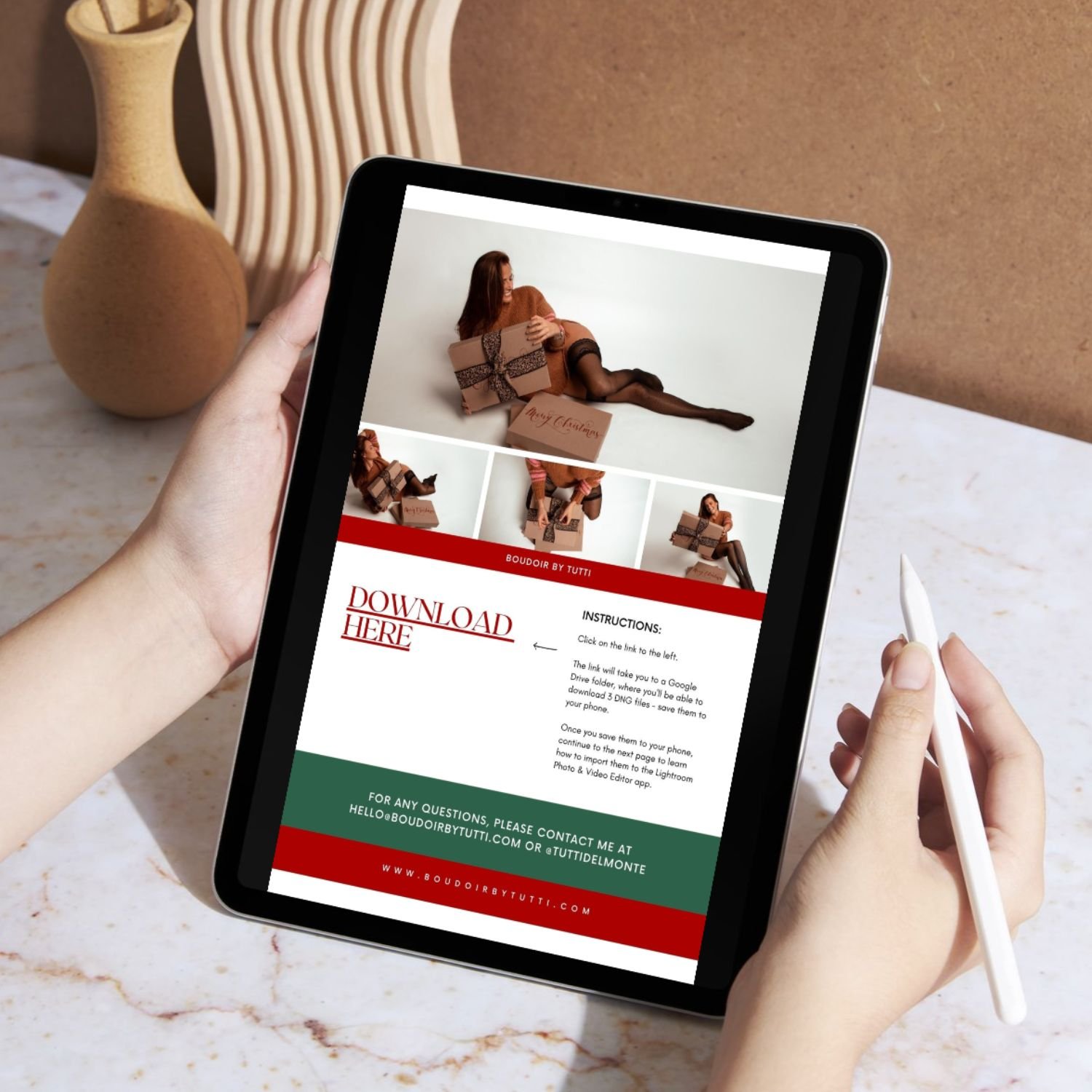 Image 2 of 4
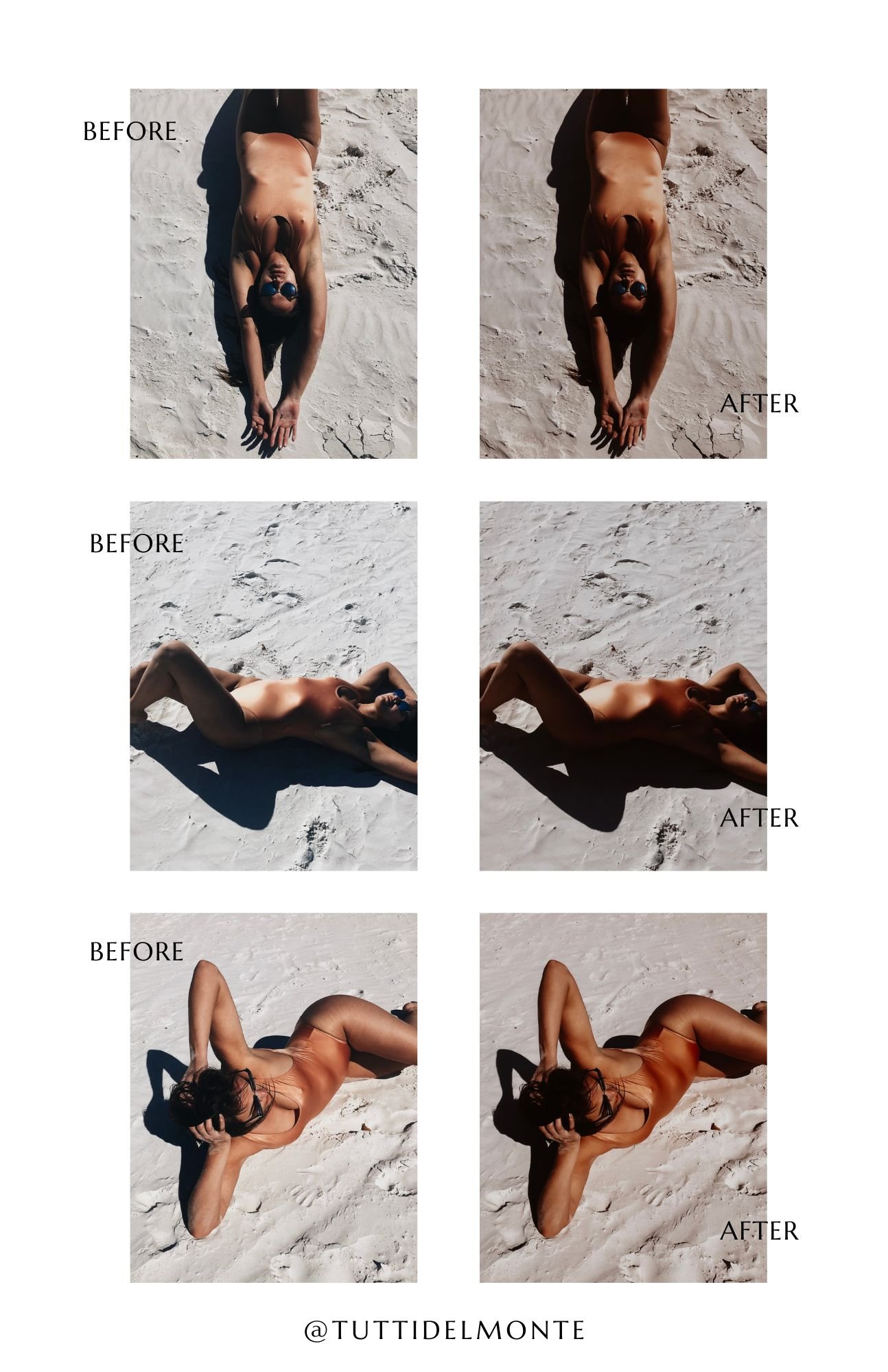 Image 3 of 4
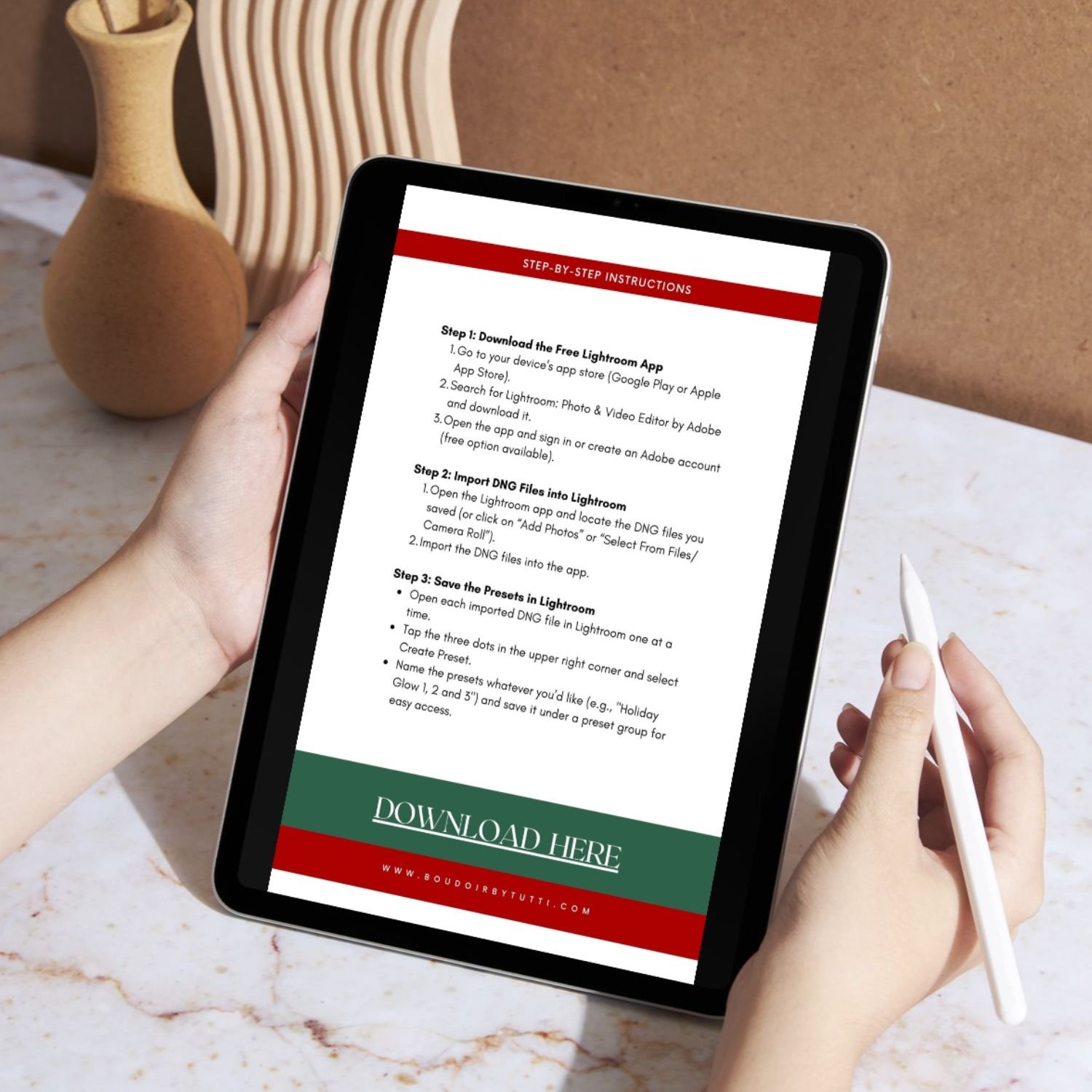 Image 4 of 4
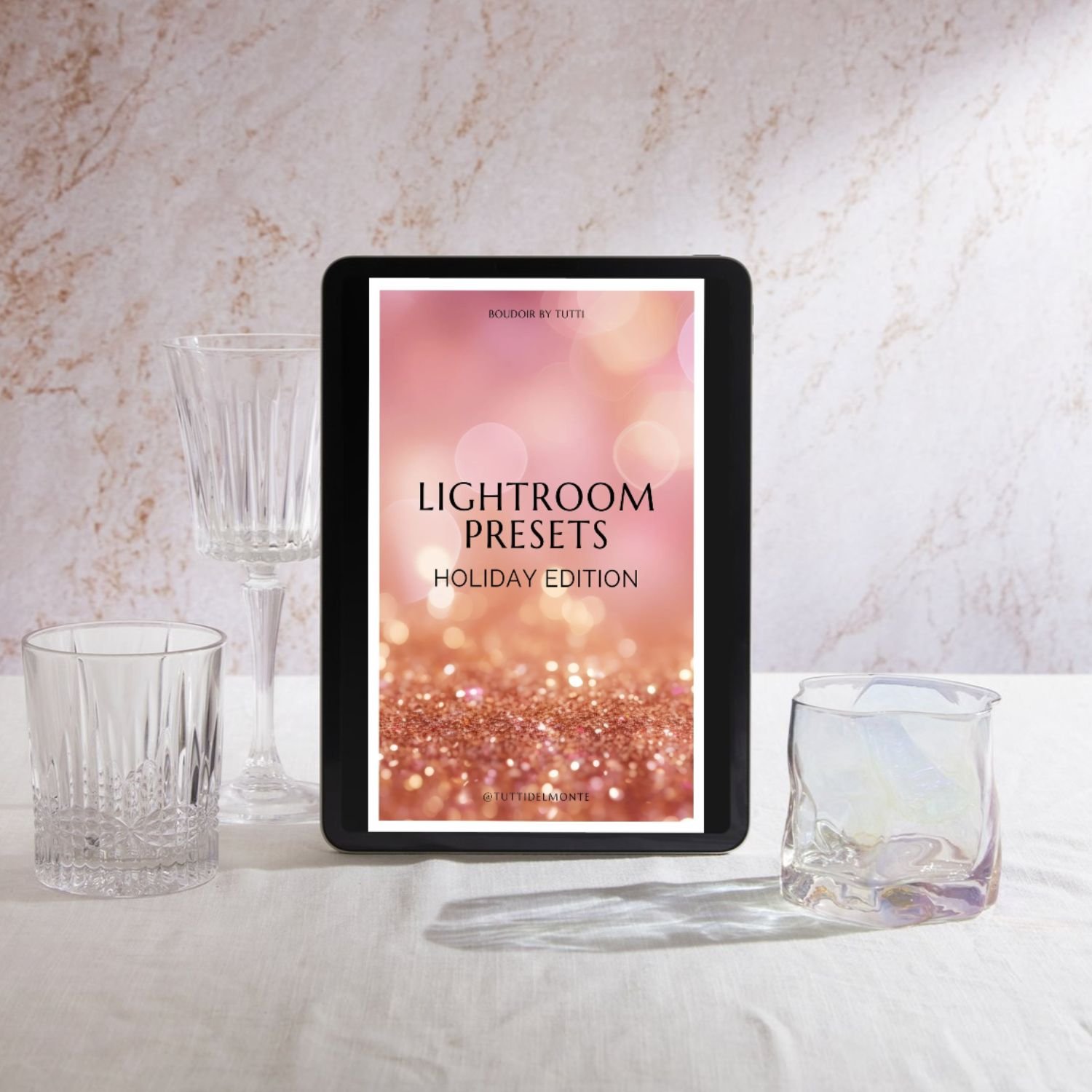
Give your photos a polished, professional look in just a few taps with this collection of 3 custom Lightroom Mobile presets created for selfies, portraits, and everyday photography.
Designed by a professional photographer, these presets make it easy to enhance color, skin tones, contrast, and overall mood—without needing advanced editing experience.
WHAT'S INCLUDED
3 Custom Lightroom Mobile Presets delivered in DNG format
Step-by-Step Installation Instructions so you can easily add them to Lightroom Mobile
Three distinct editing styles designed to give you different looks and moods
Instant digital access after purchase
EASY TO USE
1. Download Lightroom Mobile
Use the free Lightroom Mobile app on your phone.
2. Install Your Presets
Follow the included step-by-step instructions to import and save your presets.
3. Edit in a Few Taps
Choose your favorite preset, apply it to your photo, and make any small adjustments you'd like.
PERFECT FOR
Selfies
Portraits
DIY photoshoots
Lifestyle photography
Travel photos
Social media content
Everyday photos
BEGINNER-FRIENDLY
No professional camera or advanced editing experience required. These presets were designed to make photo editing quick and approachable, whether you're editing a phone selfie or a portrait from your camera.
Compatible with the free Lightroom Mobile app.
Get the polished look of professional photo editing without starting every edit from scratch.
Give your photos a polished, professional look in just a few taps with this collection of 3 custom Lightroom Mobile presets created for selfies, portraits, and everyday photography.
Designed by a professional photographer, these presets make it easy to enhance color, skin tones, contrast, and overall mood—without needing advanced editing experience.
WHAT'S INCLUDED
3 Custom Lightroom Mobile Presets delivered in DNG format
Step-by-Step Installation Instructions so you can easily add them to Lightroom Mobile
Three distinct editing styles designed to give you different looks and moods
Instant digital access after purchase
EASY TO USE
1. Download Lightroom Mobile
Use the free Lightroom Mobile app on your phone.
2. Install Your Presets
Follow the included step-by-step instructions to import and save your presets.
3. Edit in a Few Taps
Choose your favorite preset, apply it to your photo, and make any small adjustments you'd like.
PERFECT FOR
Selfies
Portraits
DIY photoshoots
Lifestyle photography
Travel photos
Social media content
Everyday photos
BEGINNER-FRIENDLY
No professional camera or advanced editing experience required. These presets were designed to make photo editing quick and approachable, whether you're editing a phone selfie or a portrait from your camera.
Compatible with the free Lightroom Mobile app.
Get the polished look of professional photo editing without starting every edit from scratch.